Easy Flow Catering

Features · Order management

Manage every catering order from one dashboard

Day view, printable kitchen order sheets, prep totals, and one-click labels — everything your kitchen needs to fulfil the day's catering without paperwork chaos.

See every order for the day, at a glance

Open the day view and see every catering order for that date on one screen: customer, delivery time, item counts, and status. No scrolling through order lists. No cross-referencing spreadsheets. Your team knows exactly what needs to leave the kitchen, and when.

app.easyflowcatering.com
Easy Flow Catering
Dashboard
Menu
Orders
Customers
Pages
Settings
Delivery Pipeline
12 orders today48 this week$4,280 revenue
CustomerTimeOrderStatus
Sunrise Café
9:00 AM#1087Packed
Greenfield Corp
10:30 AM#1088In Kitchen
Little Lane Bistro
11:00 AM#1089Confirmed
Acme Events
12:30 PM#1090Confirmed
Harbour Eats
2:00 PM#1091Pending

Every order for the day, colour-coded by status.

Print a kitchen order sheet your crew can actually use

One click generates a printable kitchen order sheet — grouped by order, with quantities, dietary tags, and delivery times. Stick it on the fridge, hand it to your prep chef, or display it on an iPad above the pass. Your team knows what to make, how much, and for whom, without checking their phone every five minutes.

app.easyflowcatering.com
Easy Flow CateringOrder #1042
Client: Sunrise CaféDelivery: Friday 23 May47 Acland St, St Kilda
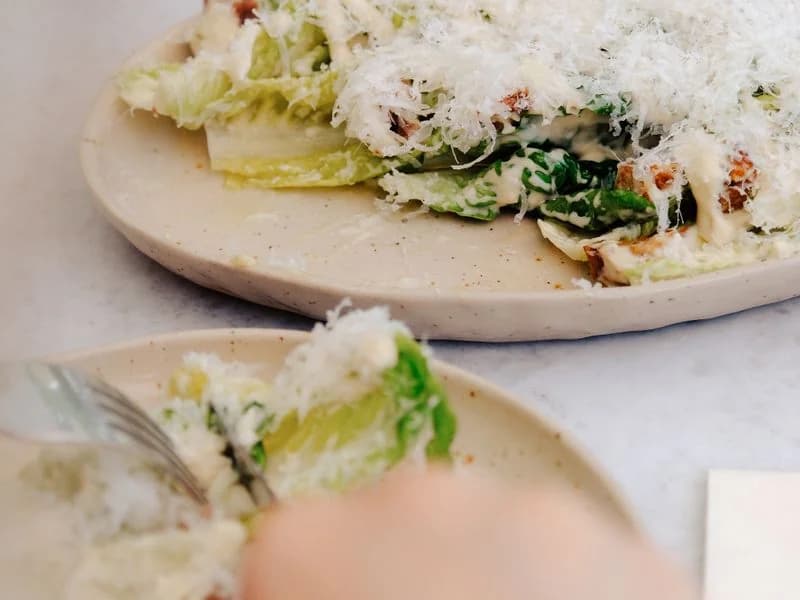
Packing sheet listing Caesar Salad quantity 12
Caesar Salad
12
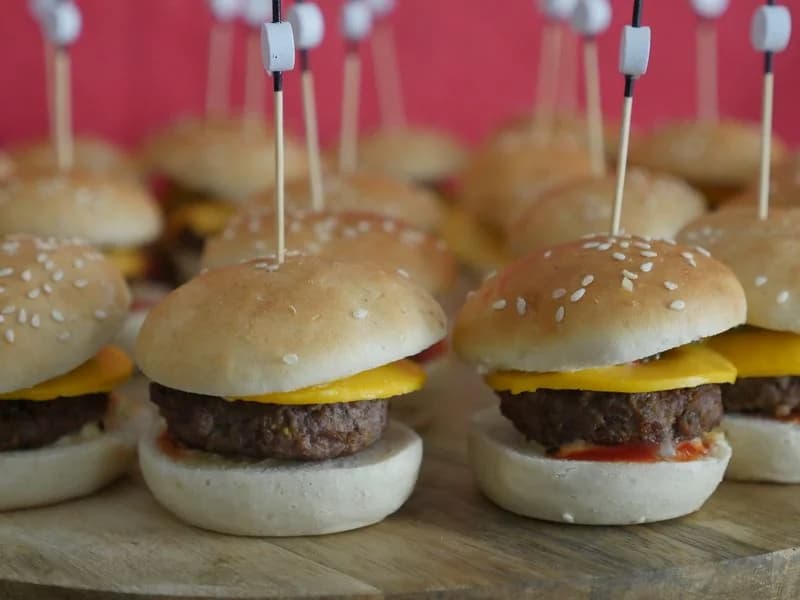
Packing sheet listing Beef Slider quantity 30
Beef Slider
30
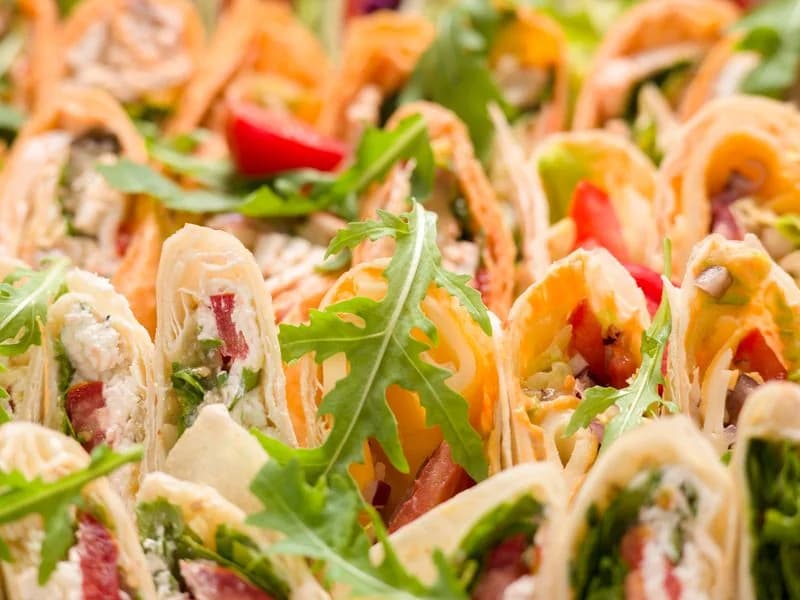
Packing sheet listing Veggie Wrap quantity 18
Veggie Wrap
18
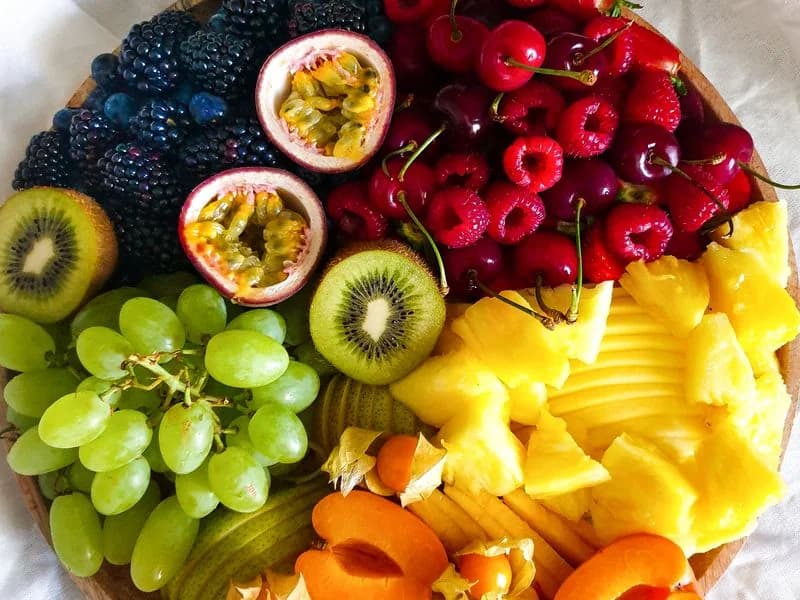
Packing sheet listing Fruit Platter quantity 4
Fruit Platter
4
Packed by: ________________Total: $284.00

A printable kitchen order sheet, grouped by order.

Prep sheets that total everything, so nothing gets missed

The prep sheet rolls up every menu item across all orders for the day. Twelve orders across the day become one line: “Caesar Salad × 47”. No more counting one by one. No more double-prepping the same item three times. No more running short at 11 AM because you missed a corporate order.

app.easyflowcatering.com
Easy Flow Catering
Dashboard
Menu
Orders
Customers
Pages
Settings
Today's Prep Totals12 orders · Fri 24 Jul
ItemTotal qty
Caesar Salad×47
Beef Slider×132
Veggie Wrap×64
Chicken Skewer×88
Fruit Platter×21
Pasta Bowl×39
Rolled up automatically from every order due today.

Every item, totalled automatically across the day's orders.

Tick off orders and print labels in one workflow

As items get packed, tick them off. When every item for an order is complete, the order auto-completes and you can generate branded labels in one click — dietary tags, pack date, use-by date, all pre-filled. Your kitchen ships confidently, every order.

app.easyflowcatering.com
Easy Flow
Dashboard
Menu
Orders
Customers
Pages
Settings
Print Labels
Order
#1087 — Sunrise Café
Packed
14 Jul 2026
Use By
17 Jul 2026
Label Preview
EF
Easy Flow
Caesar Salad
Pkd 14/7 · UB 17/7
VegetarianGF
EF
Easy Flow
Veggie Wrap
Pkd 14/7 · UB 17/7
Vegan
EF
Easy Flow
Fruit Platter
Pkd 14/7 · UB 17/7
VeganNut Free
EF
Easy Flow
Beef Slider
Pkd 14/7 · UB 17/7
GF
EF
Easy Flow
Pasta Bowl
Pkd 14/7 · UB 17/7
VeganDF
EF
Easy Flow
Chicken Skewer
Pkd 14/7 · UB 17/7
GF

Branded labels, generated the moment an order is packed.

Frequently asked questions

How does an order get marked as packed?

Open the order and tick off each item as your kitchen crew packs it. Once the last item is checked, the order itself flips from Pending to Packed automatically — no separate step, no forgetting to update the board.

Can I see orders for the whole week, not just today?

Yes. Switch between Today, This Week, and This Month tabs to see your full pipeline — what's confirmed, what's in the kitchen, and what's already dispatched.

Does the dashboard work on a tablet in the kitchen?

Yes. It's a normal web page, so it works on any phone, tablet, or laptop your kitchen already has. No app to install.

Can I still print a packing sheet?

Yes. Every order generates a print-ready PDF manifest with photos and quantities, in case your crew prefers a paper copy on the bench.

Ready to see it running with your menu?

Book a 15 Minute Demo
Or explore related features: