
Guide
We’ve Built Catering Menus for Over 15 Cafes. The Ones That Sell Make Buyers Decide Less
We’ve set up online catering menus for more than 15 cafes. Almost every one started with the in-store menu, every item, size and flavour listed on its own. Here’s why that stalls office orders, and what we do instead.
Why we ask cafes to offer fewer ways to buy
Almost every cafe we work with sends us the menu it already uses in store, with every item, size and flavour listed on its own.
That menu works at a counter, where a person can answer questions. It works badly on an ordering page. On the ordering pages we track with Microsoft Clarity, buyers faced with long menus went back and forth between items, re-read the descriptions, and left without ordering. Some phoned the cafe instead, because nothing on the page said how many people an item would feed.
So we now give every cafe the same instruction: make the buyer decide less. The rest of this post is how we do it.
What an office catering buyer wants
Corporate catering orders are usually someone’s side task. The person ordering wants it done quickly, and wants to be confident there will be enough good food on the day. They aren’t hunting for the perfect individual item.
That changes what a menu is for. A buyer doesn’t want to compare twenty sandwiches. They want to pick a few boxes, check they cover everyone, and get back to work.
Sell boxes, not single items
When every sandwich, muffin and wrap can be bought one at a time, the buyer has to do the arithmetic: how many of each, in what mix, for how many people. That’s where many of them stop.
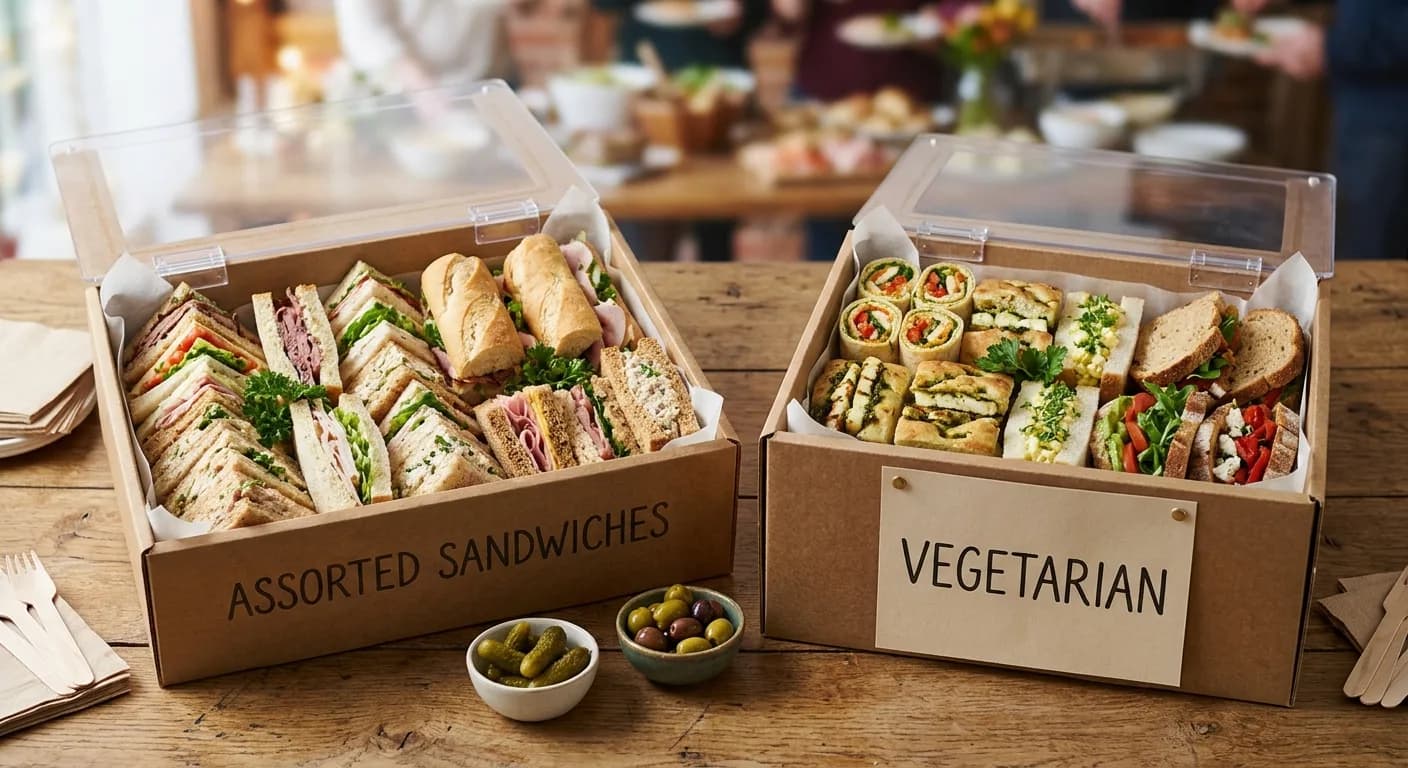
We sell food in boxes of ten instead. For sandwiches and wraps, the ten are cut in half, so one box gives the buyer twenty pieces that are easy to grab at an event. The buyer picks a box, not a quantity.
The exceptions are items that ship fine on their own, like canned and bottled soft drinks.
One assorted box, then a box for each flavour
Every group with more than one flavour gets an assorted box first. It’s for the buyer who wants a bit of everything and doesn’t want to choose.
Below it sit boxes of ten for each individual flavour. These exist mostly for dietary needs. A box of vegetarian sandwiches is its own item, separate from the assorted box, so nobody in the office has to guess which sandwich is which.
Both ways of buying use the same box of ten, so the buyer never has to switch how they think about quantity.
Cut the choices, not the variety on the table
Fewer choices doesn’t mean one size for everything. We keep both a mini and a large size for items like muffins, because the variety is useful.
Picture the event. People walk around with loaded plates holding a bit of everything. Smaller sizes let them try more.
What we cut is the number of ways to order. Nothing is sold as an individual sandwich: every sandwich, wrap and pastry comes in a box. Variety on the table comes from the assorted box and the smaller sizes, not from a longer list of options.
We also don’t give buyers a comment box to say what they’d like in the order. A free-text request is one more decision for the buyer, and one more thing for the kitchen to read and interpret. If a buyer needs something specific, there is a box for it.
Let buyers browse by occasion
A buyer planning a meeting thinks “morning tea” or “lunch”, not “croissants”. So alongside the food types, we group the menu by occasion: morning tea, afternoon tea, lunch and brunch. It gives buyers a shorter path to the boxes that suit the moment.
Say how many people each item feeds
Buyers estimate food by headcount. If a page doesn’t say how many people a box, platter or bowl serves, they can’t estimate, and some of them phone the cafe to ask. Every one of those calls is a buyer the page failed to convince.
Put a plain line under every item, such as “serves 10 to 12 people”. It doesn’t have to be exact. It has to be there, and the cafe sets it, because they know their own portions.
Hot drinks: one urn, self-serve
Don’t offer individual hot drinks. A cappuccino or flat white depends on milk texture and ratio in each cup, and it doesn’t survive being made in bulk. Offering them at an event means the cafe has to maintain barista-standard coffee, which is hard to keep up.
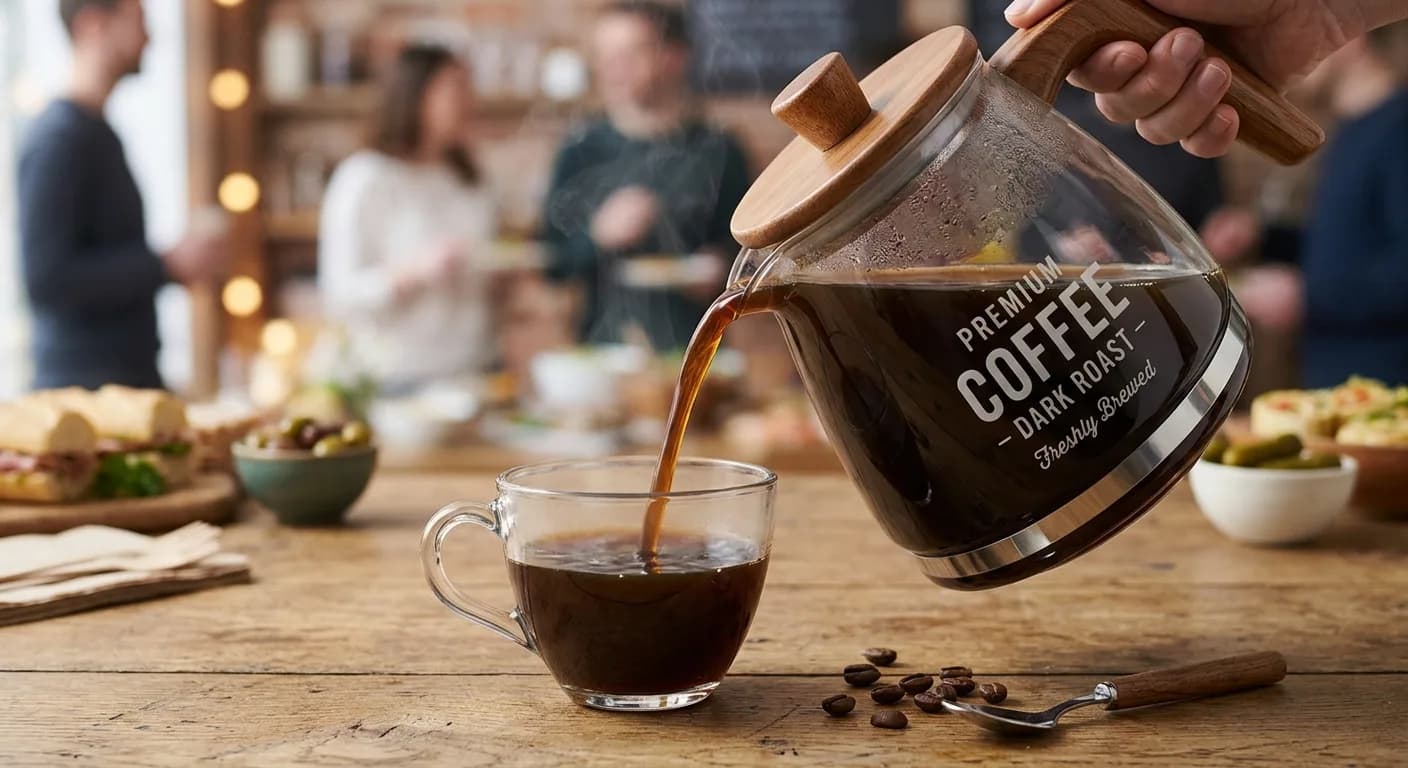
Instead, offer a big urn of tea and coffee. The buyer can order milk from you as well, and everyone serves themselves. For the buyer it is one decision, not a drinks menu.
Soft drinks are the exception. Cans and bottles are easy to ship one at a time, so they can stay as individual items.
What about running out of food?
Caterers worry about this more than anything else, and it’s why they want more options and bigger portions. In our experience the opposite problem is more common.
At a typical corporate event, the order serves the event. The rest ends up on the kitchen bench, someone posts on Teams that there’s food left over (help yourself, take some home), or it goes in the fridge for the next day.
Over-ordering costs the buyer very little. A buyer who isn’t confident there will be enough can cost the cafe the whole order.
What this looks like in practice
Illustrative example for sandwiches, not a real customer menu.
| What the buyer decides | Before | After |
|---|---|---|
| Which item | Every sandwich flavour listed on its own | An assorted box first, then a box per flavour |
| How many | Single, half or platter, then work out the quantity | A box of ten, cut in half |
| Dietary needs | Re-read descriptions to find the vegetarian options | A separate vegetarian box |
| How many it feeds | Not stated, so call the cafe | “Serves 10 to 12 people” under each item |
The menu isn’t always shorter. What shrinks is the number of ways to buy each item, and that is what the buyer feels.
Try it on your own menu
Paste your current menu into our free catering menu builder and it turns it into this structure: boxes of ten, an assorted box for each group, a box for each flavour, and a list of what’s still missing, such as serving sizes and prices. You download the result as an Excel file. No email address needed.
Build my catering menuThe one thing to do this week
Open your catering menu and find the item with the most ways to buy it: singles, halves, platters, sizes. Turn it into one assorted box and a box per flavour, then add a “serves X people” line under each. If you do only one thing from this guide, that’s the fastest way to make your menu easier to order from.
If you want a second set of eyes on your menu, book a free demo here.
Want a second set of eyes on your catering menu?
Book a free demo and we’ll show you how to set it up so buyers order faster.
Book a 15 Minute Demo